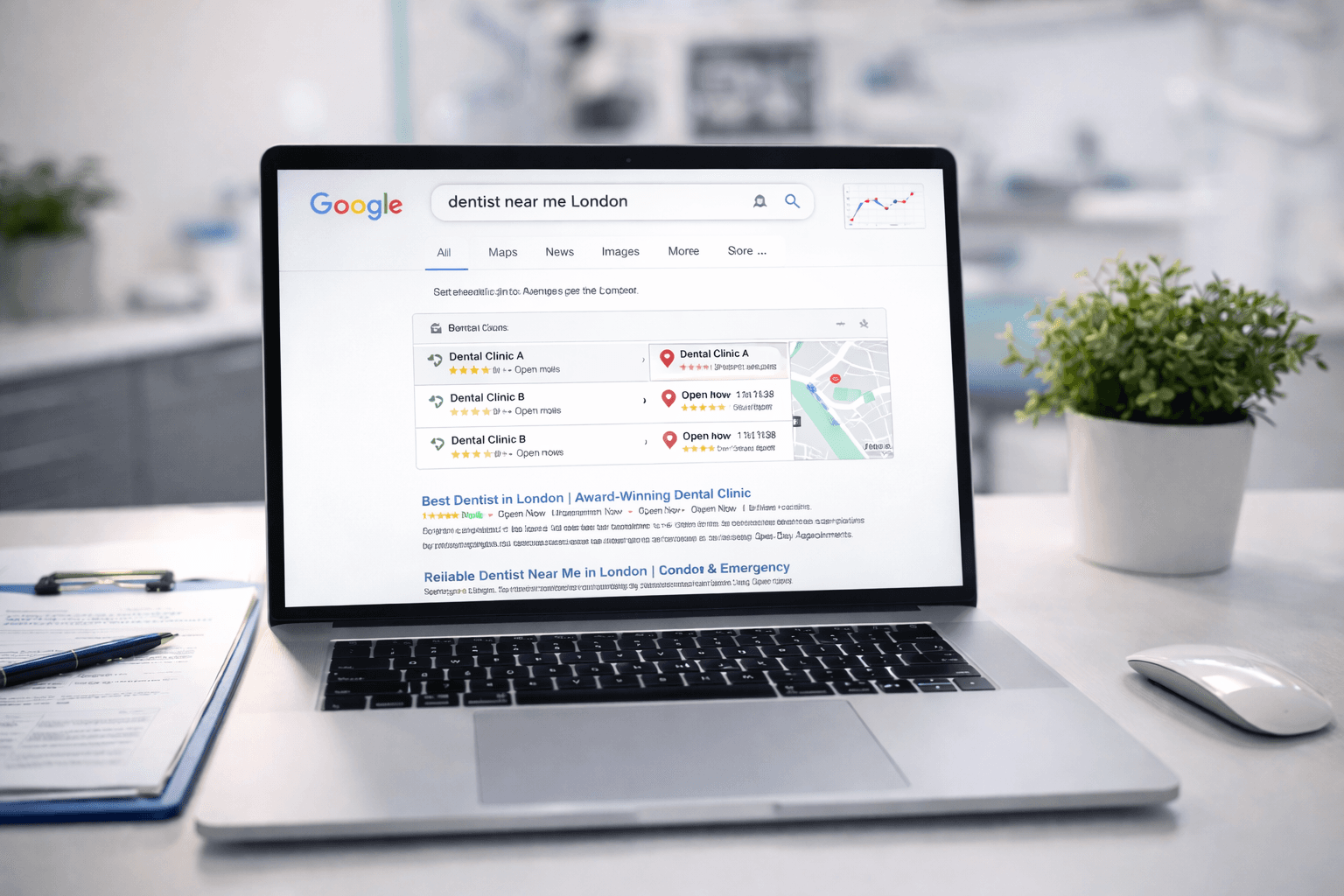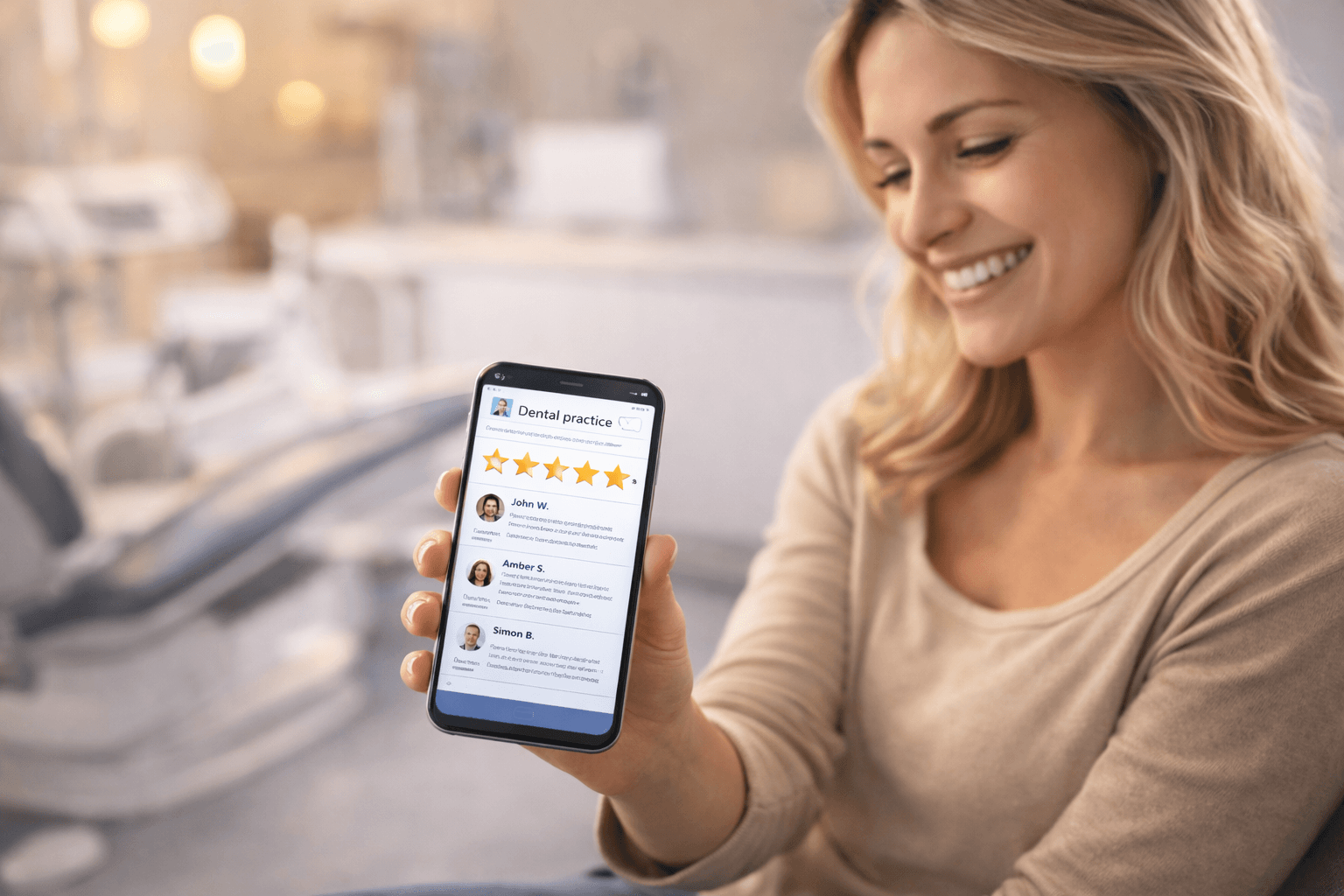
Online reviews are the most powerful trust signal in dental marketing. Before booking with a new dentist, the majority of patients read Google reviews — and most won't even consider a practice with fewer than 10 reviews or a rating below 4.0.
Yet most dental practices leave reviews to chance. They receive them sporadically, fail to respond to negative ones, and miss the enormous opportunity that a systematic review strategy represents.
This guide shows you how to build a repeatable system that generates consistent, authentic reviews and turns patient feedback into a genuine competitive advantage.
Why reviews matter more than you think
Reviews affect search rankings
Google's local ranking algorithm considers three categories: relevance, distance and prominence. Reviews are a core component of prominence. Practices with more reviews, higher ratings, and recent review activity consistently rank higher in local search.
Specifically, Google evaluates:
- Total number of reviews — more reviews signal a more established practice
- Average rating — higher is better, but 4.7 looks more authentic than 5.0
- Review velocity — a steady flow of new reviews signals an active, popular practice
- Review content — Google reads review text. Reviews mentioning specific treatments help you rank for those terms
- Response rate — responding to reviews signals active management
Reviews influence patient decisions
The data is clear:
- 84% of patients trust online reviews as much as personal recommendations
- Patients read an average of 7 reviews before choosing a dentist
- A one-star increase in Google rating can increase enquiries by 5–9%
- 53% of patients won't consider a business with fewer than 4 stars
Reviews provide honest feedback
Beyond marketing, reviews tell you what patients genuinely think — what you're doing well, where you're falling short, and what matters most to the people you serve.
Building a review collection system
Step 1: Make it easy
The biggest barrier to getting reviews is friction. Remove as many steps as possible:
- Create a direct review link — In your GBP dashboard, find the "Ask for reviews" section to get your short review link
- Make a QR code — convert your review link into a QR code. Display it at reception, in treatment rooms, and on printed materials
- Add the link to communications — include it in appointment confirmation emails, post-treatment texts, and your email signature
Step 2: Ask at the right moment
Timing matters. The best time to ask for a review is when the patient is at peak satisfaction:
- Immediately after a positive comment — "I'm so glad you're happy with the result. Would you mind sharing that on Google? It really helps other patients find us"
- After treatment completion — not during ongoing multi-visit treatments
- At checkout — when the patient has just had a good experience and is in the practice
- Post-appointment follow-up — a text message 1–2 hours after the visit
Step 3: Train your team
Every patient-facing team member should be comfortable asking for reviews:
- Reception staff — "We'd love to hear your feedback on Google if you have a moment"
- Clinicians — "I'm really pleased with how this turned out. If you're happy, a Google review would mean a lot to us"
- Hygienists — often have the longest, most conversational patient interactions
The key is making it natural, not pushy. You're asking for honest feedback, not demanding five stars.
Step 4: Automate the follow-up
Manual asking works, but automation ensures consistency:
- Post-appointment SMS — sent 1–2 hours after the visit. Keep it short: "Hi [Name], thank you for visiting us today. If you have a moment, we'd love your feedback on Google: [link]"
- Email follow-up — if no review within 48 hours, send a gentle email reminder
- Practice management integration — tools like Doctify, ReviewTrackers, or Patient Plan Direct can automate review requests after appointments
Step 5: Track and improve
Monitor your review metrics monthly:
- New reviews received
- Average rating (rolling 30 days vs all-time)
- Response rate (aim for 100%)
- Review sources (Google, Trustpilot, NHS Choices)
- Common themes in positive and negative reviews
Responding to reviews
Positive reviews
Always respond. A thoughtful response shows other prospective patients that you care:
Good response template:
Thank you for your kind words, [Name]. We're delighted you had a positive experience with [dentist name/treatment]. We look forward to seeing you at your next appointment.
Tips:
- Use their name if they've shared it
- Reference something specific about their visit
- Keep it professional but warm
- Respond within 48 hours
Negative reviews
Negative reviews are inevitable and, when handled well, can actually strengthen your reputation. How you respond matters more than the review itself.
Response framework:
- Acknowledge — "Thank you for sharing your experience, [Name]"
- Apologise — "We're sorry to hear that your visit didn't meet your expectations"
- Take it offline — "We'd like to understand more about what happened. Please contact us at [email/phone] so we can look into this personally"
- Don't get defensive — never argue or dismiss the patient's experience publicly
What NOT to do:
- Ignore the review
- Respond emotionally or defensively
- Share clinical details (this violates patient confidentiality)
- Offer incentives to remove or change the review
- Post a generic copy-paste response
Fake or unfair reviews
If a review is genuinely fake (from someone who was never a patient) or violates Google's review policies:
- Flag it through Google Business Profile
- Respond professionally — "We cannot find any record of your visit. Please contact us directly so we can investigate"
- Don't engage in a public argument
- Google may remove reviews that violate their policies, but the process can take weeks
Review platforms beyond Google
While Google is the priority, other platforms matter too:
Trustpilot
- High domain authority — Trustpilot pages often rank for "[practice name] reviews"
- Patients trust the verification process
- Free basic listing available
NHS Choices
- Important for practices with NHS patients
- Reviews appear in NHS Find a Dentist results
- Less commonly used by patients but still indexed by Google
- Reviews visible to patients who find you through social media
- Integrated with your Facebook business page
- Can't be filtered or hidden
Dental-specific platforms
- Doctify — popular with UK medical and dental practices
- WhatClinic — patients leave reviews when enquiring through the platform
Ethics and compliance
What you can do
- Ask any patient for an honest review
- Make it easy to leave a review (provide links, QR codes)
- Display review links in your practice
- Respond to reviews (positive and negative)
- Share positive reviews on social media (general quotes, with permission)
What you cannot do
- Offer discounts, freebies or payments in exchange for reviews (violates Google policies)
- Write fake reviews or ask staff/friends to write them
- Selectively ask only happy patients (this is technically "review gating" and Google prohibits it)
- Pressure patients into leaving positive reviews
- Delete or hide negative reviews (you can't, and attempting to looks worse)
GDC considerations
The General Dental Council has guidelines on advertising and patient testimonials. Ensure:
- Any testimonials you share don't make misleading claims about treatment outcomes
- Patient consent is obtained before using reviews in marketing materials
- Before-and-after photos used alongside reviews have explicit consent
Turning reviews into marketing assets
Once you've built a steady flow of reviews, use them across your marketing:
- Website — display a live Google review widget on your homepage and treatment pages
- Social media — share standout reviews as posts (screenshot with a "Thank you [first name]!" caption)
- Print materials — include review excerpts and your Google rating on leaflets and practice brochures
- Reception area — display your Google rating and selected reviews on a screen
- Treatment pages — feature reviews relevant to each specific treatment
Getting started: a 30-day plan
Week 1:
- Set up your direct Google review link and create a QR code
- Brief your team on how and when to ask for reviews
Week 2:
- Set up an automated post-appointment SMS with your review link
- Respond to all existing unanswered reviews (positive and negative)
Week 3:
- Train reception staff on the natural ask: after every checkout, mention reviews
- Add your Google review link to appointment confirmation emails
Week 4:
- Review your metrics: how many new reviews did you receive?
- Adjust your approach based on what's working
- Set a monthly target (aim for 4–8 new reviews per month per dentist)
Consistency is the key. A practice that generates 5 reviews per week will have 260 by the end of the year — a powerful moat that competitors will struggle to replicate.
Pearlie matches patients with clinics based on fit, not just proximity. Better-matched patients leave better reviews. Learn about joining Pearlie's clinic network.
Looking for a dentist?
Pearlie matches you with verified, GDC-registered clinics tailored to your needs. Free and independent.
Find my clinic